
Label
Issue Tracking
GeneXus and its distributors provide assisted support services through the Issue Tracking system. This system is available to all customers who are under warranty or up-to-date with annual maintenance fees for GeneXus licenses.
(write the text)
How does it work?
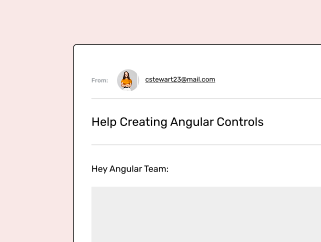
1. You can submit your request online or by email.
2. Once the request enters the system, a ticket number is assigned to it.
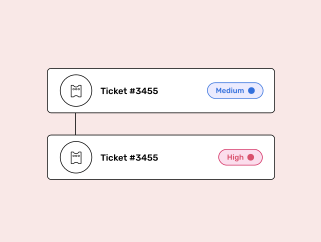
Online requests
We at GeneXus recommend that you use this method. The application will guide you through the ticket report to make sure that the support team receives all the necessary information to reply to you as soon as possible.
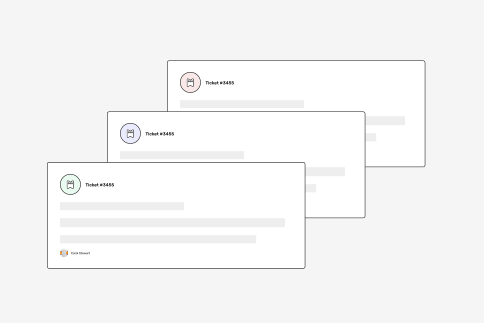
Email requests
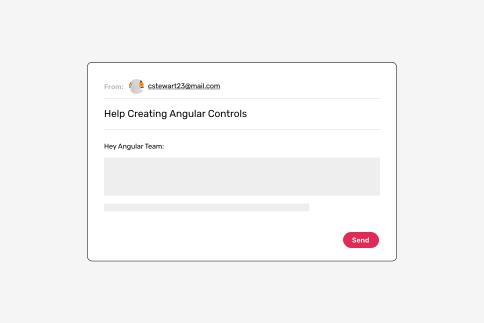
Send your request via email to the corresponding support team following this steps:
Development Environment: gx@genexus.com
GeneXus Next: next@genexus.com
.NET Generator: net@genexus.com
Java Generator: java@genexus.com
Native Mobile Generator: mobile@genexus.com
Angular Generator: angular@genexus.com
Development Environment: gx@genexus.com
GeneXus Next: next@genexus.com
.NET Generator: net@genexus.com
Java Generator: java@genexus.com
Native Mobile Generator: mobile@genexus.com
Angular Generator: angular@genexus.com
Protection: prot@genexus.com
Do you prefer to call us?